Why check your data before it bites
Most store data problems are invisible until something depends on them. Two variants share a SKU, and stock counts start drifting. A barcode has the wrong check digit, and Google Shopping disapproves the product. Images have no alt text, and the store falls short of WCAG, the standard the European Accessibility Act points to. A customer typed gmial.com, and every receipt bounces.
None of this shows up in a dashboard. It shows up during a migration, a feed rejection or an audit, when it is expensive to fix.
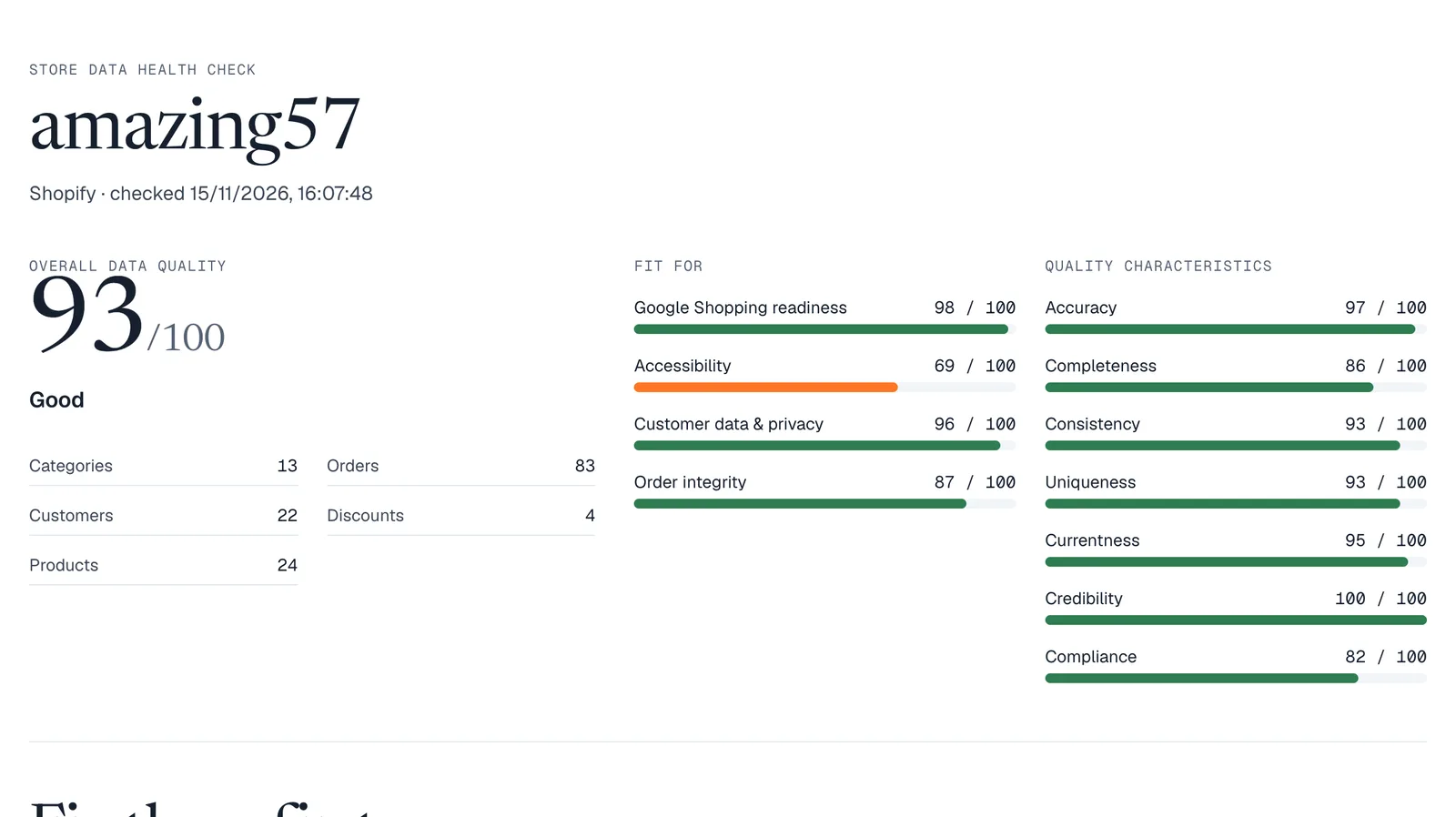
The health check finds these problems while they are still cheap. Every screenshot in this guide comes from a real run on amazing57, one of our own Shopify test stores: 24 products, 22 customers and 83 orders, read and scored in under two minutes.
You will need
- A store or CRM on a supported platform: Shopify, WooCommerce, Wix, Magento, PrestaShop, BigCommerce, Squarespace, Odoo, HubSpot, Zoho CRM and more
- Admin access to connect it: approve the StoreCopy app, or paste an API key
- About ten minutes. No StoreCopy account and no card
You will get
- A score out of 100 for your store data, with separate scores for Google Shopping, accessibility, customer data and order integrity
- The problems that cost you most, each with the records affected and how to fix it
- Every finding grouped by product, customer or order, with links into your store admin
- A PDF, CSV and JSON copy of the report for your team or your developer
70+
rules from current data standards
5,000
records of each type checked for free
0
changes made to your store
How to run a store data health check
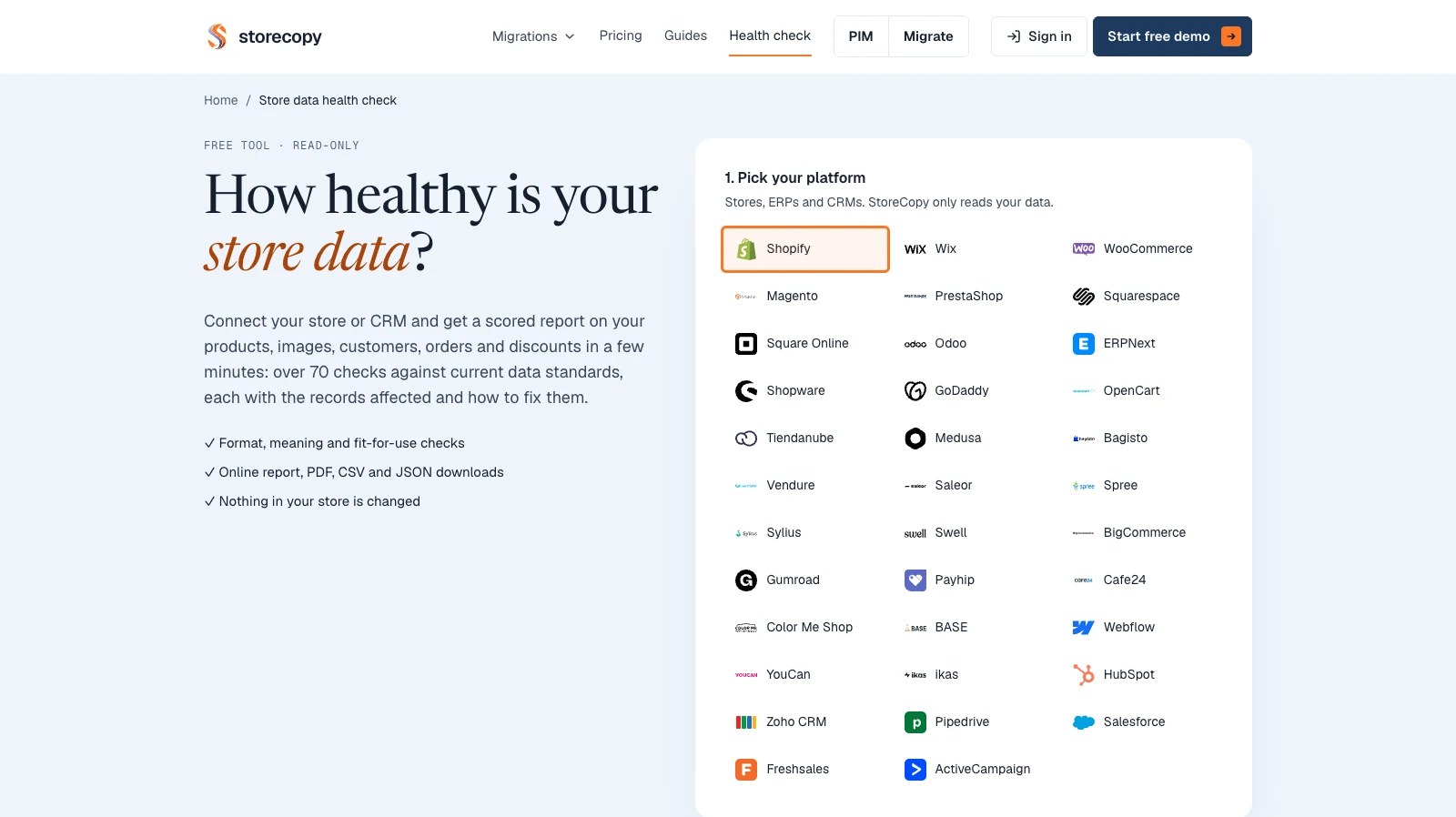
Open the health check and pick your platform
Go to Health check in the storecopy.com menu. The tool lists every platform it can read: stores, ERPs and CRMs.
Click your platform, for example Shopify.
Connect your store
For Shopify, type your store name and click Get Install Link, then open the link and approve the StoreCopy app. If the app is already installed, Shopify goes straight back.
For WooCommerce, Magento, PrestaShop and other API-key platforms, paste the store address and key in the form. CRMs such as HubSpot and Zoho CRM have a connect button that opens their own approval page.
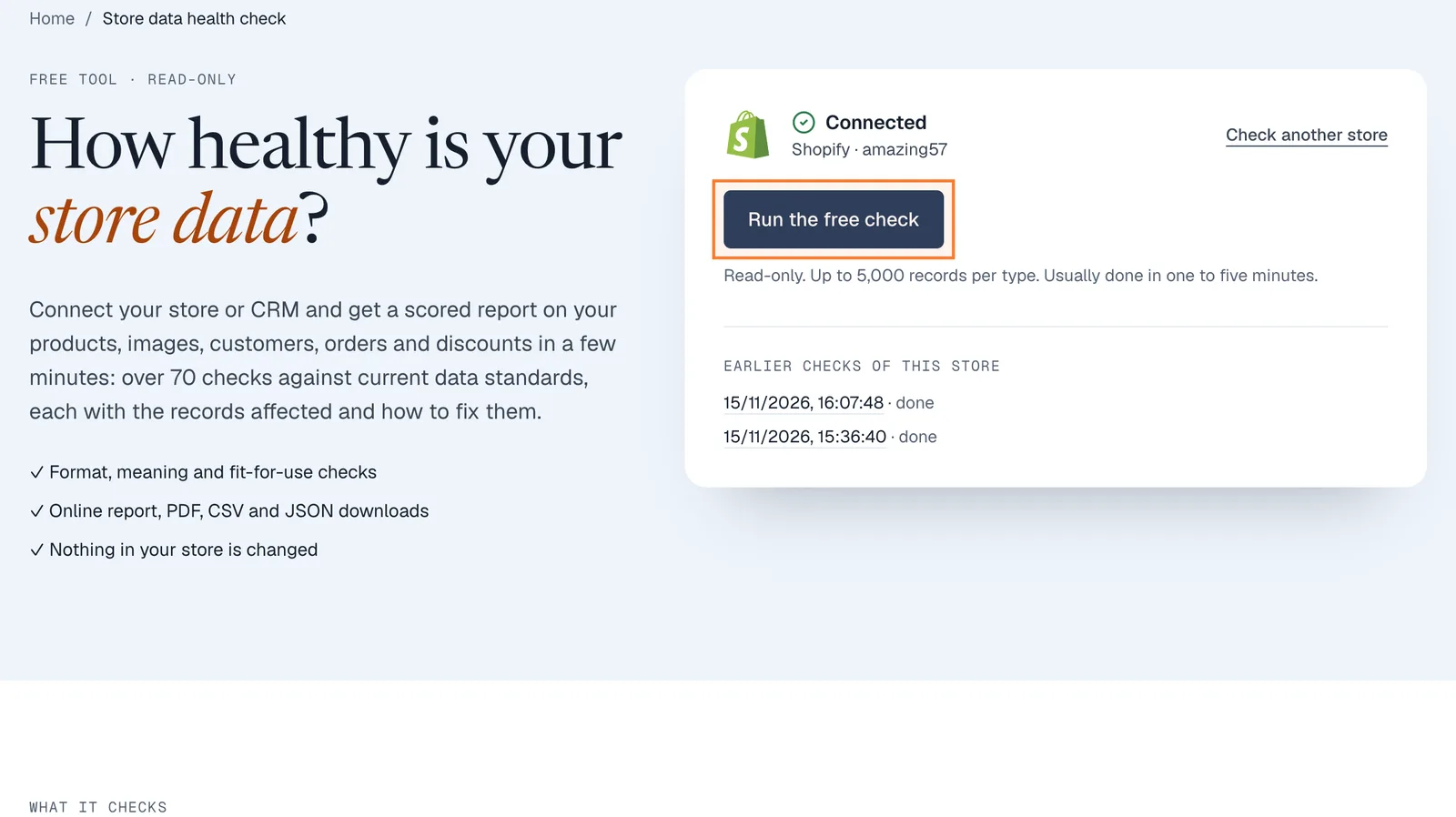
When the card says Connected, click Run the free check.
TipThe check only reads. It never creates, changes or deletes anything, and no email goes to your customers.
Read the scores
The report opens in a few minutes. The big number is your overall data quality; under it you see how many products, customers, orders, categories and discounts were read.
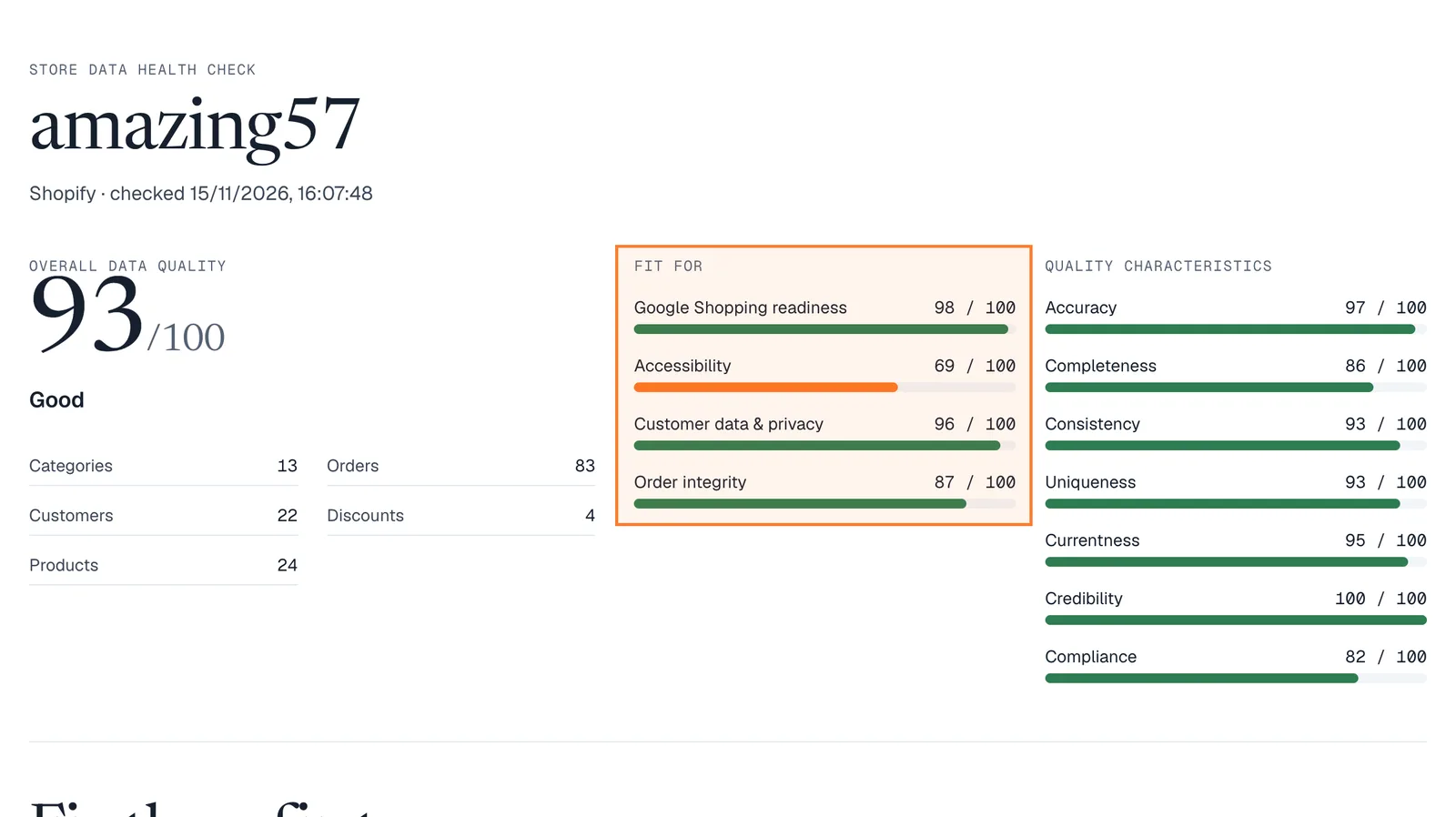
Fit for shows how ready the data is for a job: Google Shopping, accessibility, customer data and privacy, and order integrity. Quality characteristics split the same findings by accuracy, completeness, consistency, uniqueness and the rest.
TipA rule that needs a field your platform doesn’t expose is marked "not checked". It never lowers the score.
The check is free and read-only. Run it on your own store and see the score in a few minutes.
Run the free checkStart with "Fix these first"
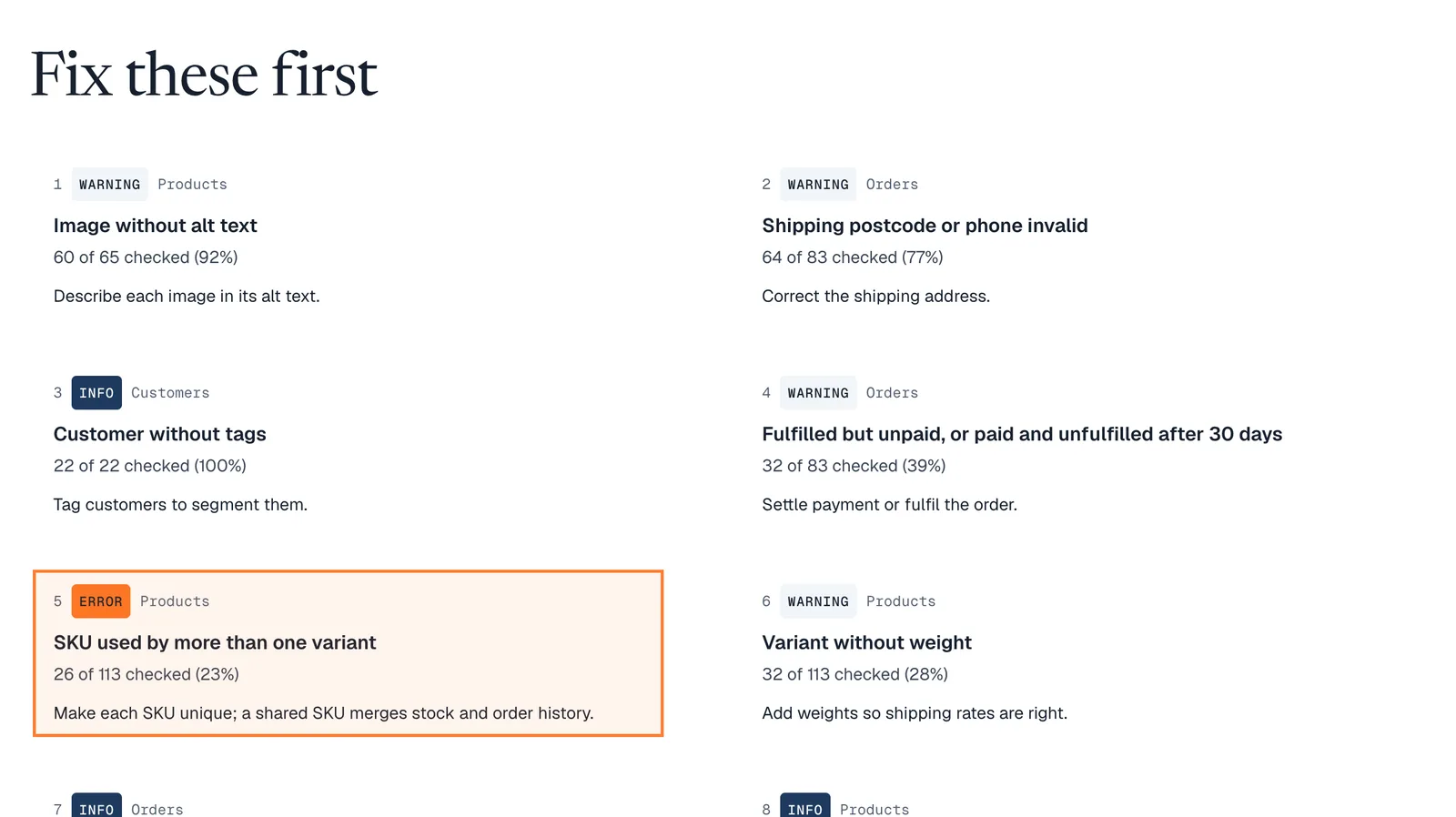
Fix these first ranks the rules that cost the most, weighing severity against how many records fail. Each card says how many records fail and what to do about it.
Open a rule to see the records
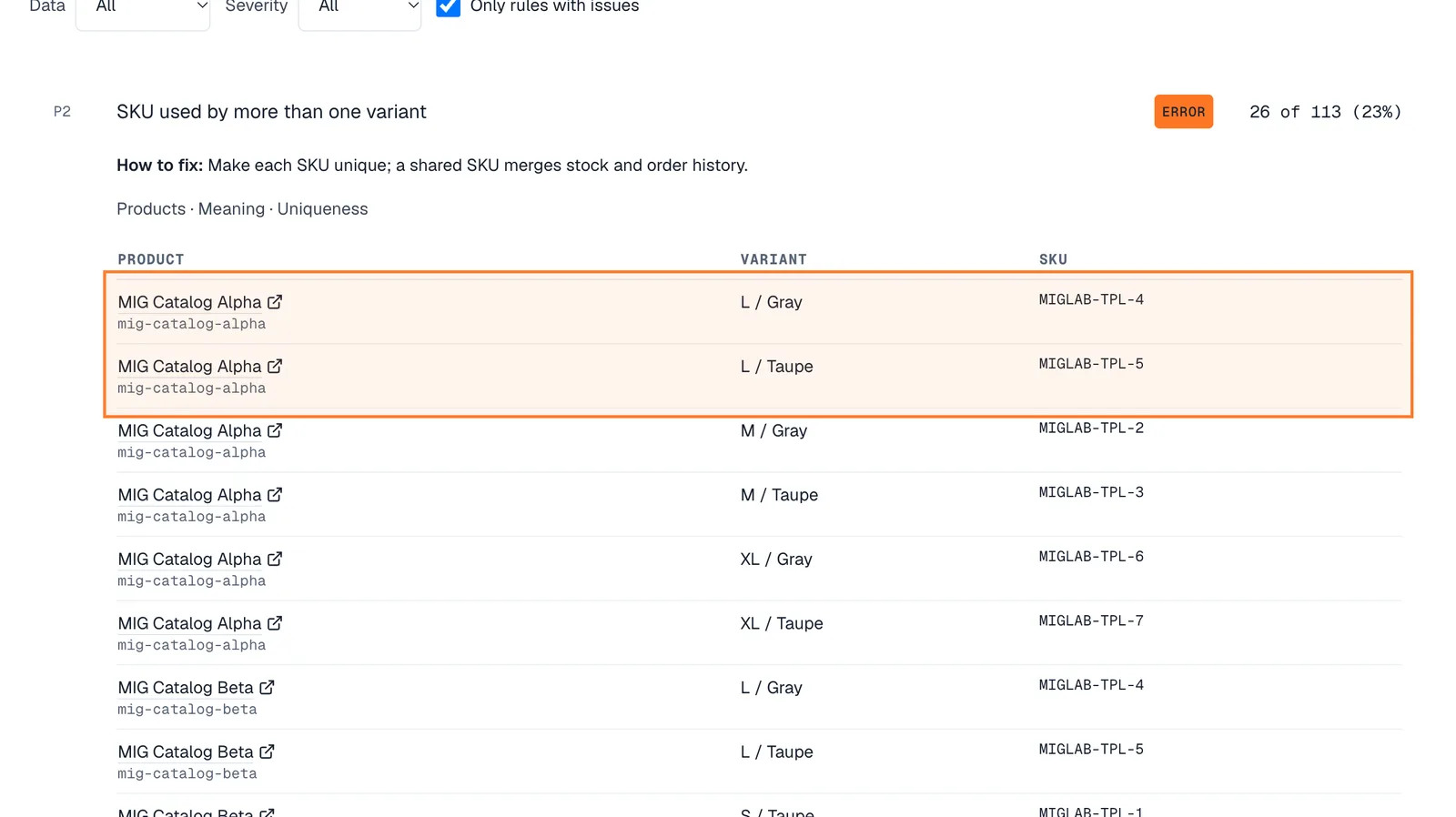
Under All findings, click a rule. It explains the fix and the standard behind it, then lists the records: product, handle, variant, SKU and the value found.
Product names link to the edit page in your store admin (Shopify and WooCommerce), so you can fix each one in a click. This list (CSV) downloads the same records for a bulk editor.
Switch to one row per product
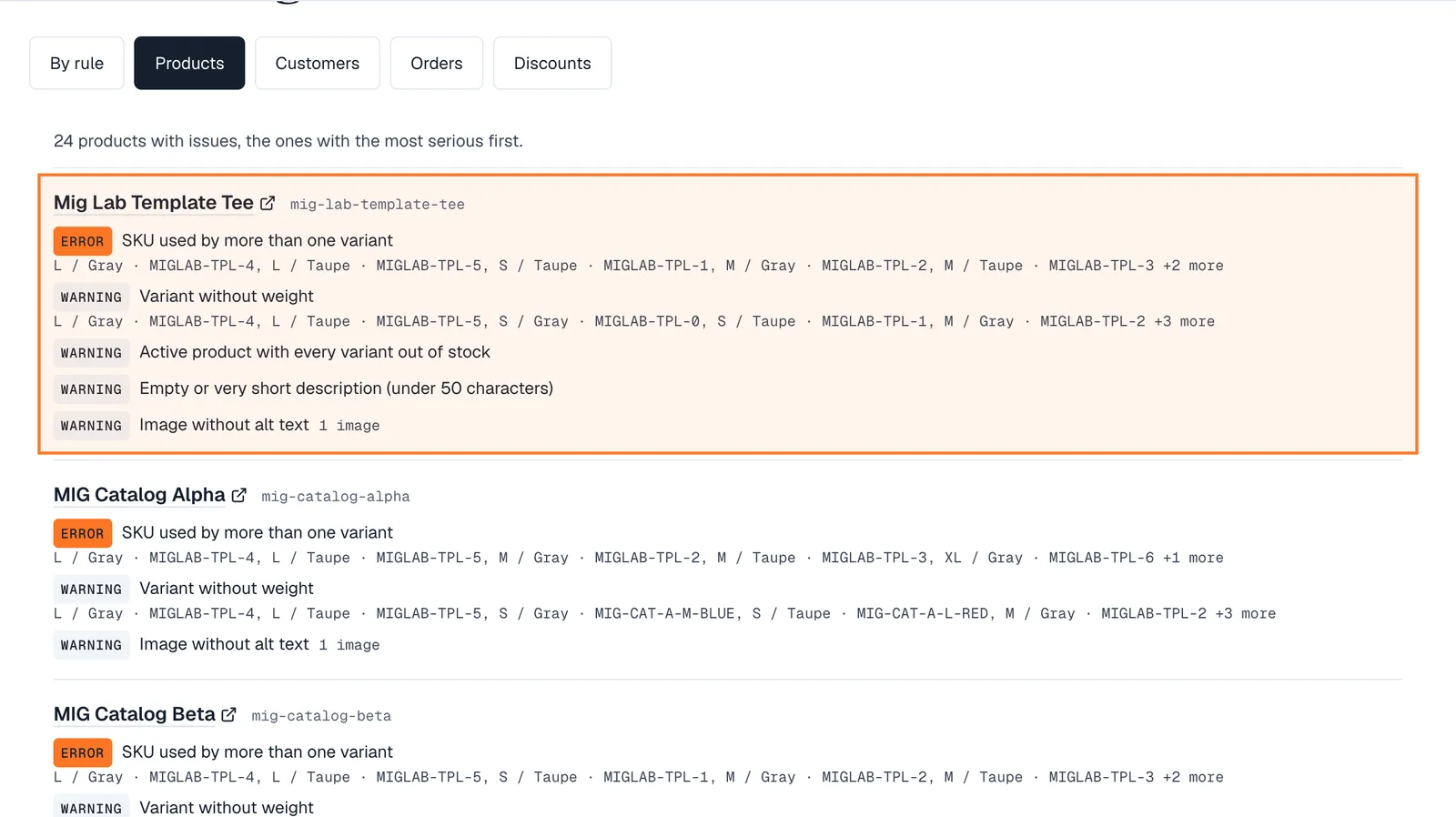
Click Products above the findings to see the same problems grouped by product, the most serious first. Customers, orders and discounts work the same way.
This is the fastest way to work through a catalogue: open the product once and fix everything on it.
Download or share the report
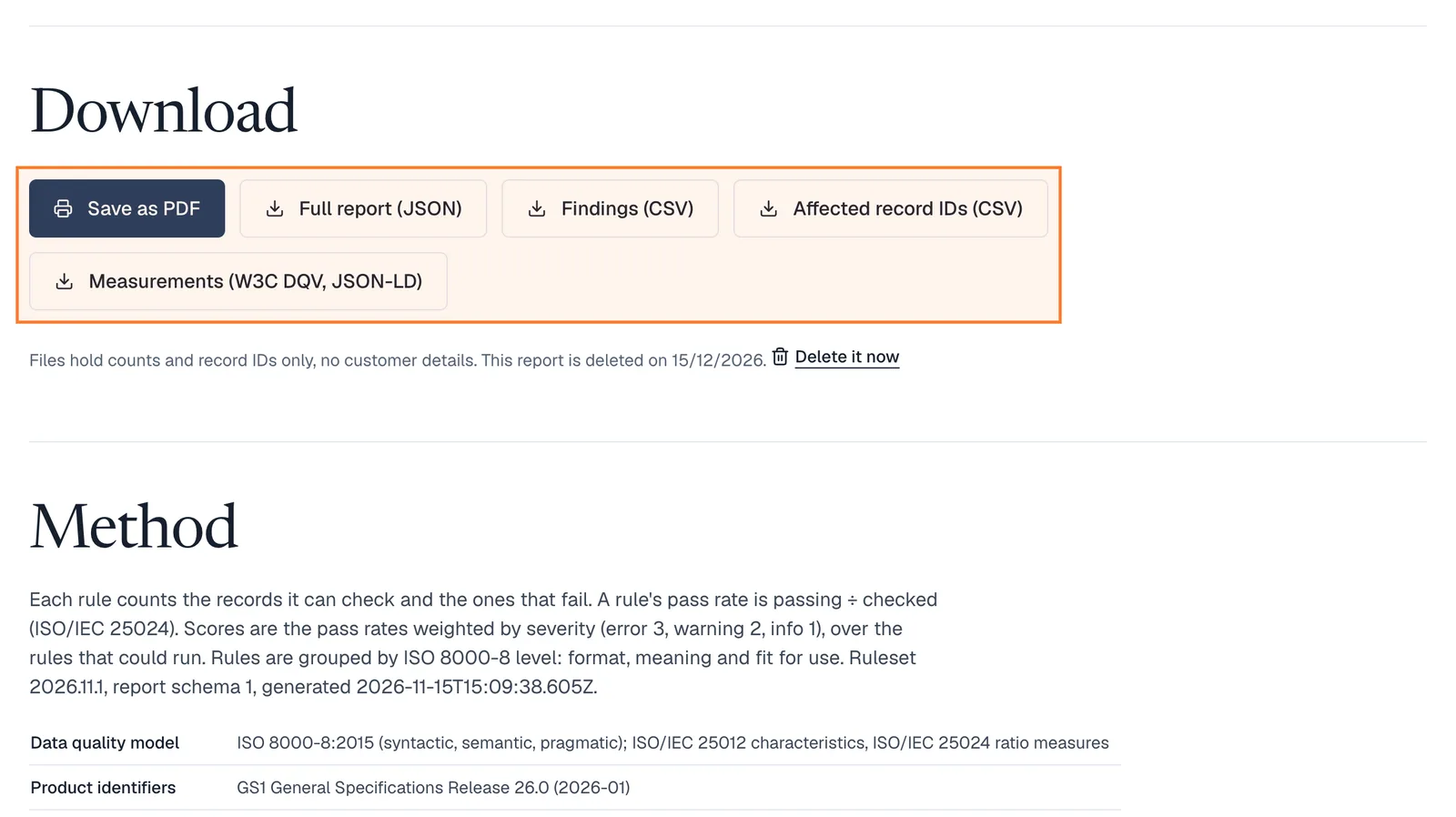
Save as PDF prints the report. The CSV files hold the findings and the affected record IDs, the JSON holds everything, and the W3C DQV file feeds data-quality tools.
Files contain counts and record IDs, never customer details. The report is deleted after 30 days, or right away with Delete it now.
What the health check looks at
Each rule cites the standard it follows, so a finding is something you can act on, not an opinion.
- Products and barcodes
- Missing and duplicate SKUs, GTIN length and check digit (GS1), placeholder barcodes, prices, weights and option spellings.
- Images and accessibility
- Products without images, missing or meaningless alt text (WCAG 2.2), images under the 500 × 500 px Google minimum.
- Customers
- Invalid and mistyped emails, duplicates, phones that aren’t valid E.164 numbers, postcodes and countries by ISO format.
- Orders
- Totals and line items that don’t add up, guest orders, unpaid or unfulfilled orders, currencies and dates.
- Customer value
- One-time, repeat and lapsed buyers, the revenue share of your top 10%, and customers who never ordered.
- Private by design
- Read-only access, masked examples (j•••@gmail.com), counts and IDs only in downloads, deleted after 30 days.